Sprachsuche
DE
EN
AR
BG
CS
DA
EL
ES
FA
FI
FR
HE
HU
IT
JP
KO
MS
NL
NO
PL
PT
RO
RU
SV
TH
TR
VI
ZH
Kategorien
Kategorien
Antivirus & Sicherheit
Audio & Video
Business
Kommunikation
Design & Foto
Entwicklertools
Bildung
Spiele
Internet-Tools
Lebensstil
Smartphone-Utilities
Produktivität
Systemtools
Personalisierung
Windows
Mac
Windows
Einloggen / Anmelden
Windows
›
Systemtools
›
Dateikomprimierung
›
WinRAR
›
Screenshots
WinRAR
Schnappschüsse
WinRAR ist einer der beliebtesten Datei-Archivierung tool
Schnappschüsse
Bewertung
Kommentare
Fragen & Antworten
(16)
Teilen
Facebook
Twitter
Telegram
WhatsApp
Linkedin
Link kopieren
Main window
WinRAR 7.0
Main window
WinRAR 6.2
Main window
WinRAR 6.2
Main window
WinRAR 6.1
Main window
WinRAR 6.1
Main window
WinRAR 6.0
Main window
WinRAR 5.9
Main window
WinRAR 5.7
Main window
WinRAR 5.6
Main window
WinRAR 5.50
Main Window
Main Window
Wizard
Adding Files to archive
Integration and Formats Supported
General Settings
WinRAR 5.5
Main Screen
Convert Archives
Compress File
Scan for viruses
SFX
Wizard to compress
Main Window
Archive Wizard
Archive Parameters
Repair Wizard
Testing Archives
WinRAR 5.40
Main Window
WinRAR 5.4
Archive Browse Window
Main window
Archive Creation Window
File Types Association
Password Protection Window
Archives Converter
Passwords Manager
WinRAR 5.3
Create New Archive
Password Protection
Archive Info
Archive Converter
Wizard
File Viewer
Main Interface
Report Generator
Settings Dialog
WinRAR 5.3
Main window
Main window
WinRAR 5.2
Setup Window
Main Window
WinRAR 5.1
Add to Archive Dialog
Main Window
Archive Information
Settings
WinRAR 5.0
Main Window
Context Menu
Creating Archive
The Wizard
File Info
Archive Conversion
General Settings
Viewing Settings
WinRAR 4.2
The About Window
The Find Files Window
Integration Settings
The Main Window
WinRAR 4.0
Main window
WinRAR 3.9
Main Interface
Adding Files to a RAR Container
Extracting Files
Settings Dialog
Viewing the Content of a File
Advanced Compression Options
WinRAR 3.7
WinRAR 3.7
Archive Screen
Name And Parameters
Logo
Creating Archive
File association options at end of install
Default view on opening the program
Compression ratios achieved
Archive
Wizard
Default Interface
Formats Supported by WinRAR
Repairing Archives
WinRAR 3.6
Add file
Settings
Compression
WinRAR 3.5
Main
Add files
WinRAR Wizard
WinRAR 3.4
EXTRACT FILES
MAIN SCREEN
ADD FILES
Main window
Options
Compress
WinRAR 3.3
Winrar version
Directory Listings
Winrar Settings
Preparing Files
Name and parameters
Beliebte Artikel
Siehe alle
Der Axios-Vorfall bei OpenAI ist ein Weckruf für Entwickler
Warum ist TikTok besessen von niedlichen Raspberry-Pi-Cyberdecks?
Warum Europa die Aufsicht über ChatGPT und Claude Mythos verschärft
Anthropics Claude Mythos: Ist das Modell zu riskant für eine öffentliche Freigabe?


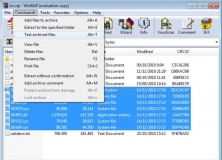 Main window
 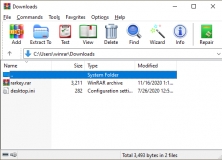 Main window
 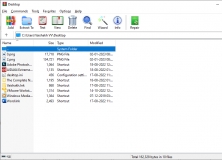 Main window
 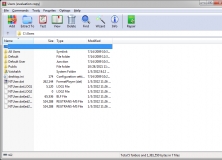 Main window
 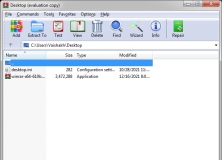 Main window
 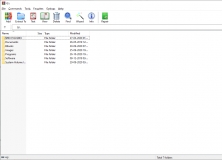 Main window
 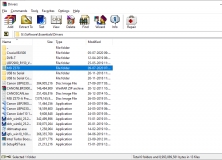 Main window
 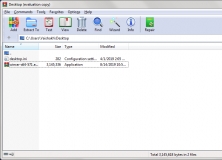 Main window
 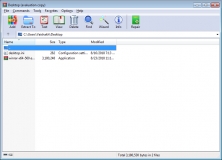 Main window
 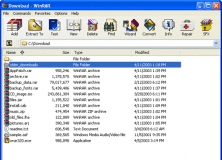 Main Window
 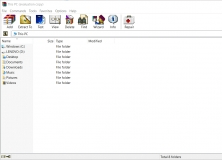 Main Window
 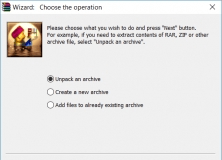 Wizard
 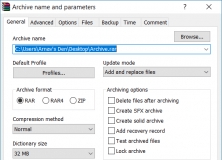 Adding Files to archive
 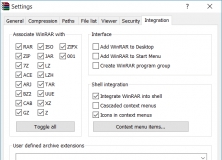 Integration and Formats Supported
 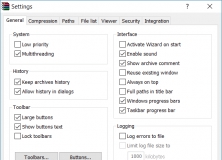 General Settings
 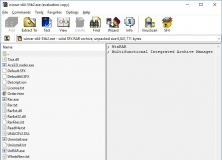 Main Screen
 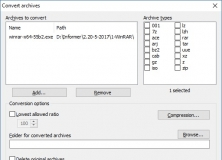 Convert Archives
 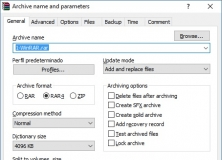 Compress File
 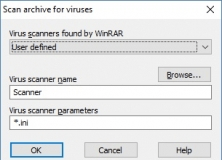 Scan for viruses
 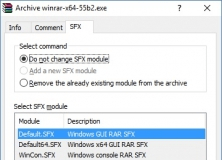 SFX
SFX 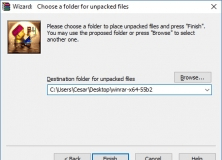 Wizard to compress
 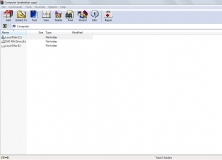 Main Window
 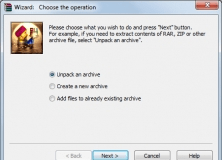 Archive Wizard
 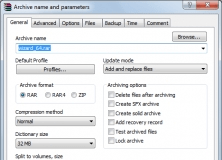 Archive Parameters
 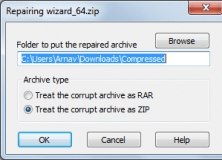 Repair Wizard
 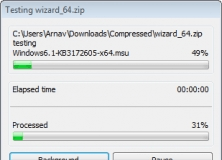 Testing Archives
 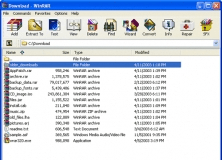 Main Window
 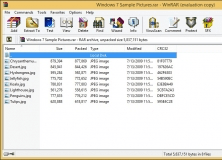 Archive Browse Window
  Main window
 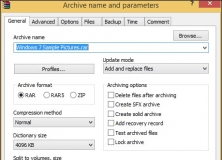 Archive Creation Window
 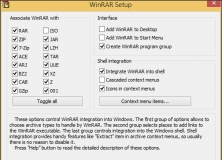 File Types Association
 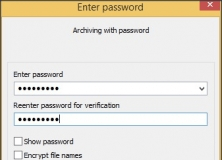 Password Protection Window
 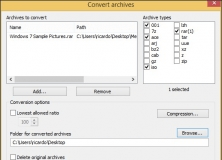 Archives Converter
 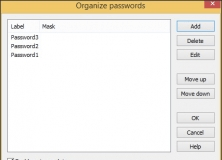 Passwords Manager
 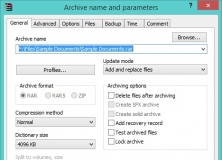 Create New Archive
 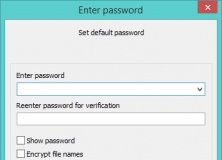 Password Protection
 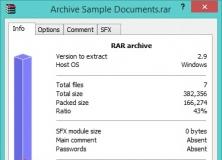 Archive Info
 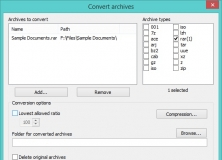 Archive Converter
 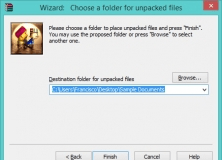 Wizard
 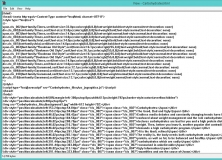 File Viewer
 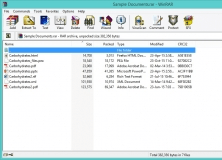 Main Interface
 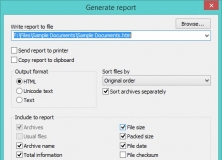 Report Generator
 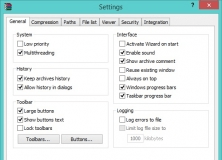 Settings Dialog
 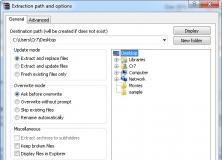 Main window
 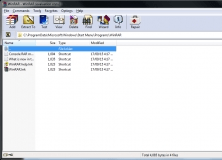 Main window
 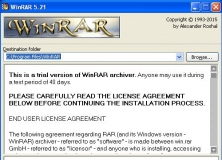 Setup Window
 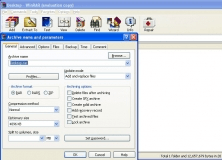 Main Window
 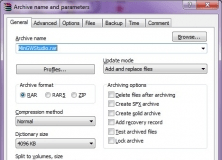 Add to Archive Dialog
 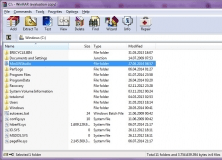 Main Window
 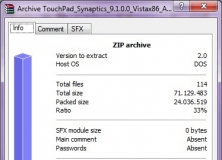 Archive Information
 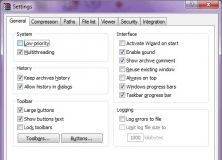 Settings
 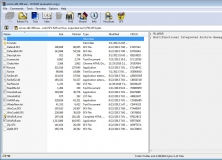 Main Window
 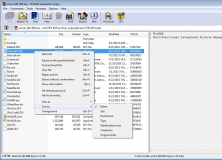 Context Menu
 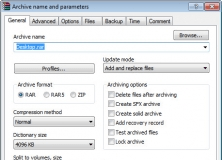 Creating Archive
 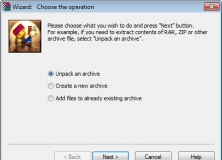 The Wizard
 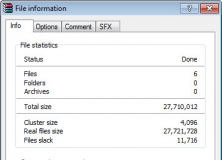 File Info
 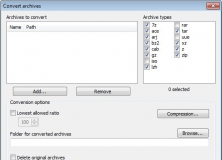 Archive Conversion
 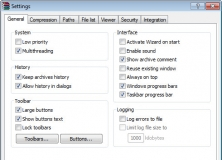 General Settings
 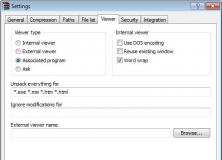 Viewing Settings
 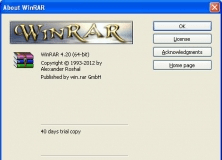 The About Window
 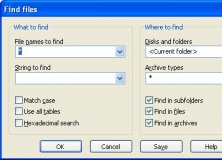 The Find Files Window
 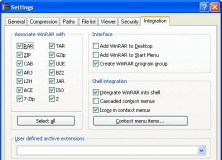 Integration Settings
 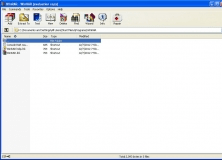 The Main Window
 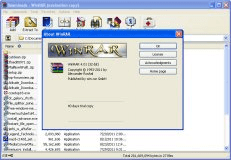 Main window
 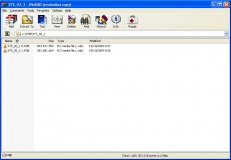 Main Interface
 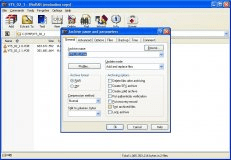 Adding Files to a RAR Container
 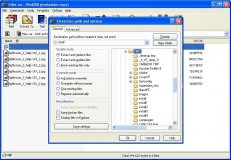 Extracting Files
 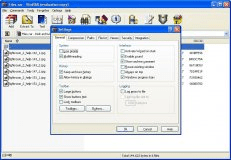 Settings Dialog
 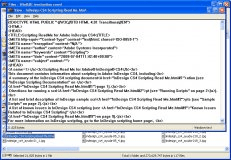 Viewing the Content of a File
 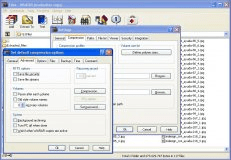 Advanced Compression Options
 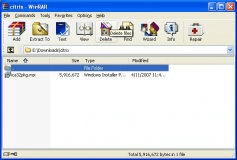 WinRAR 3.7
 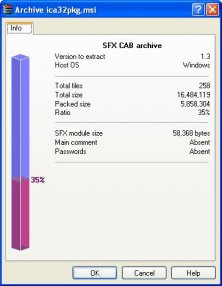 Archive Screen
 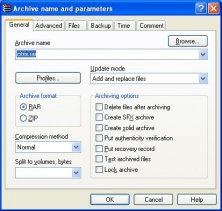 Name And Parameters
  Logo
Logo 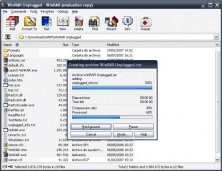 Creating Archive
 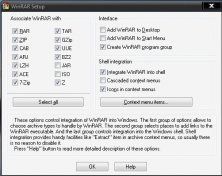 File association options at end of install
 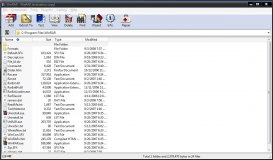 Default view on opening the program
 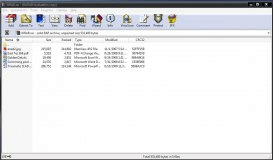 Compression ratios achieved
 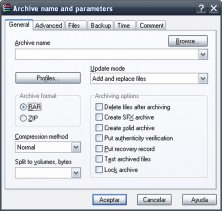 Archive
 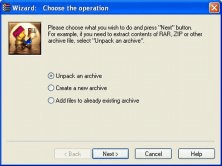 Wizard
 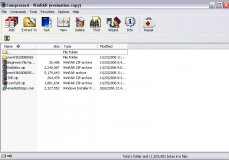 Default Interface
 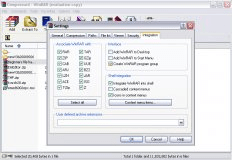 Formats Supported by WinRAR
 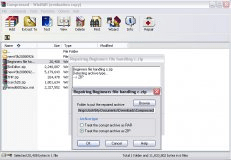 Repairing Archives
 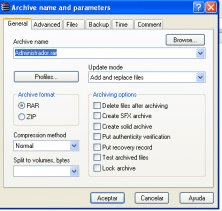 Add file
 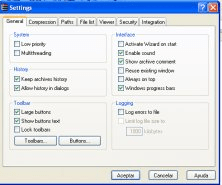 Settings
 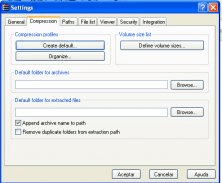 Compression
 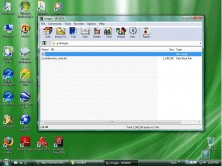 Main
Main 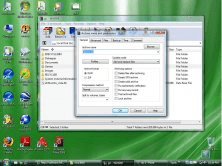 Add files
 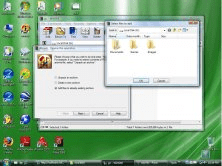 WinRAR Wizard
 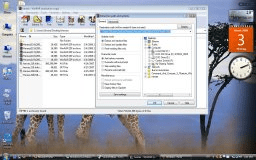 EXTRACT FILES
 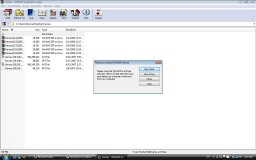 MAIN SCREEN
 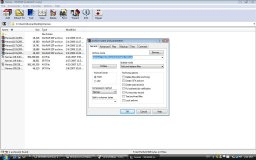 ADD FILES
 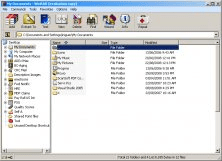 Main window
 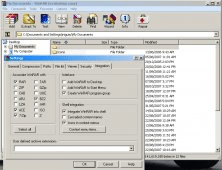 Options
 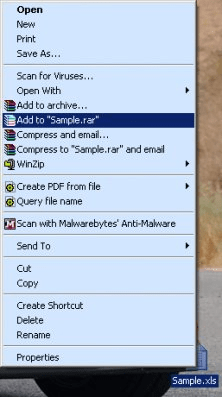 Compress
  Winrar version
 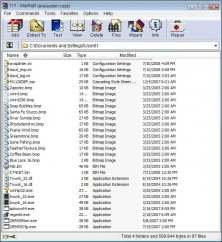 Directory Listings
 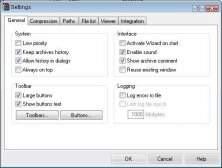 Winrar Settings
 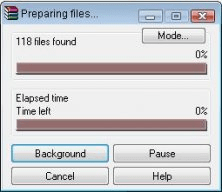 Preparing Files
 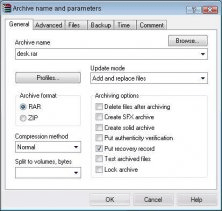 Name and parameters


